
Visual Command Center
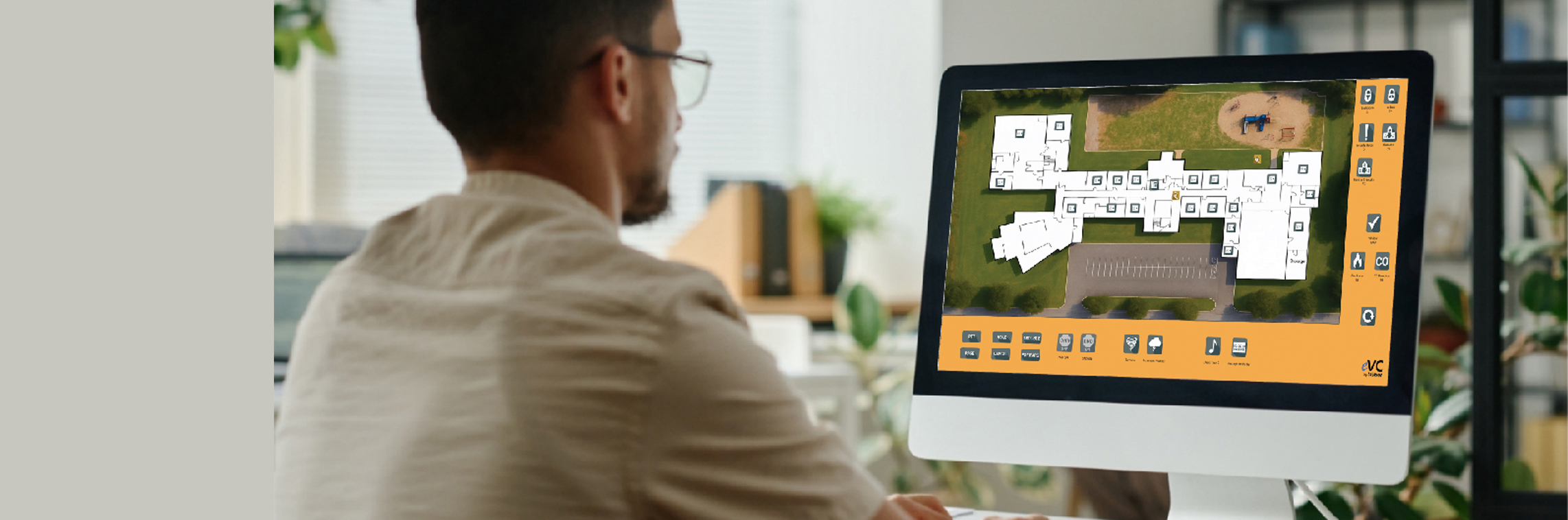
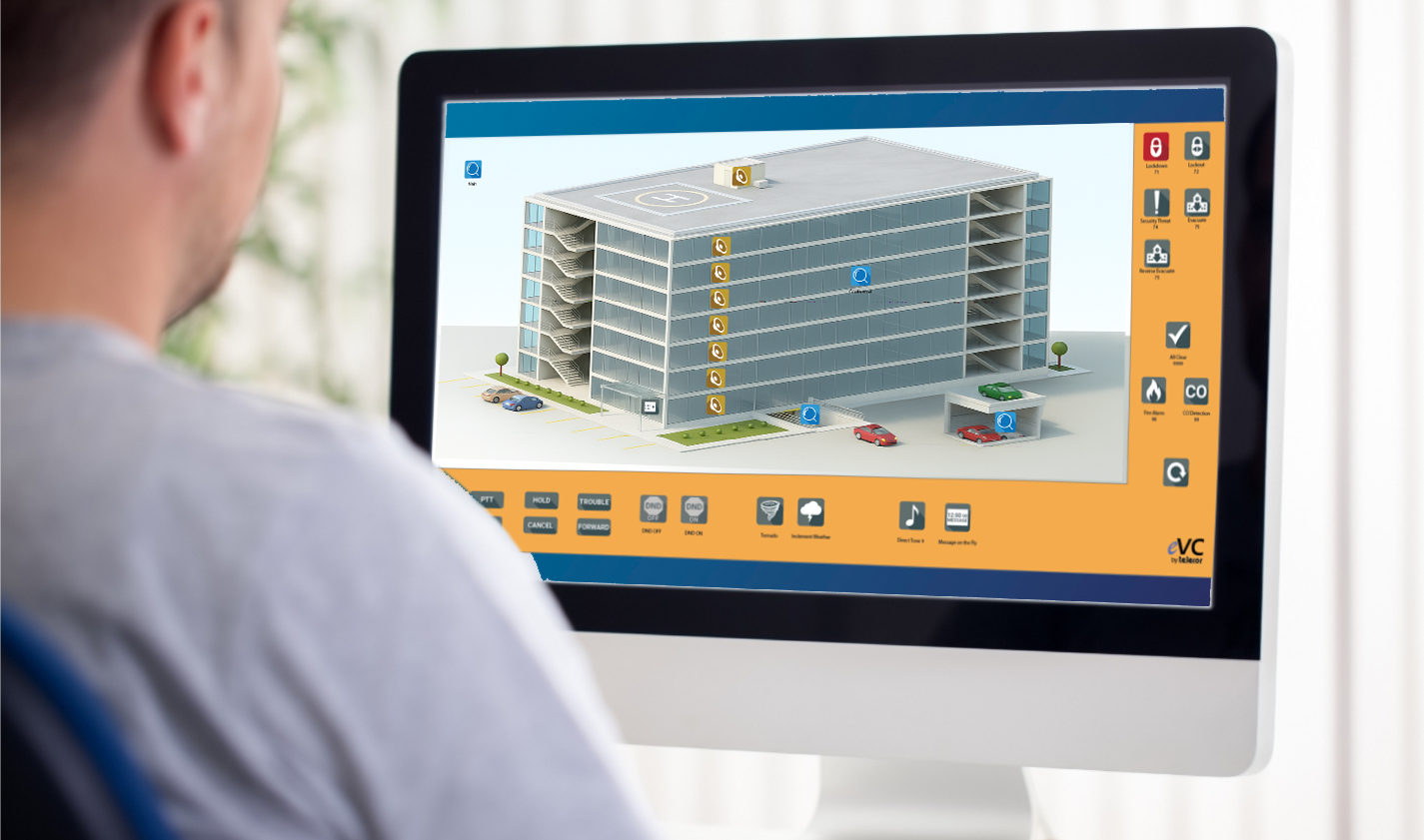
Telecor’s award-winning visual command center is an easy-to-use desktop graphical user interface that gives staff simple, fast control over communications. With clear on-screen buttons and organized pages, you can make announcements, call rooms, activate schedules, play messages, and handle emergencies—all from your computer. Everything is designed to be quick, visual, and dependable so staff can focus on work, not learning complicated equipment.
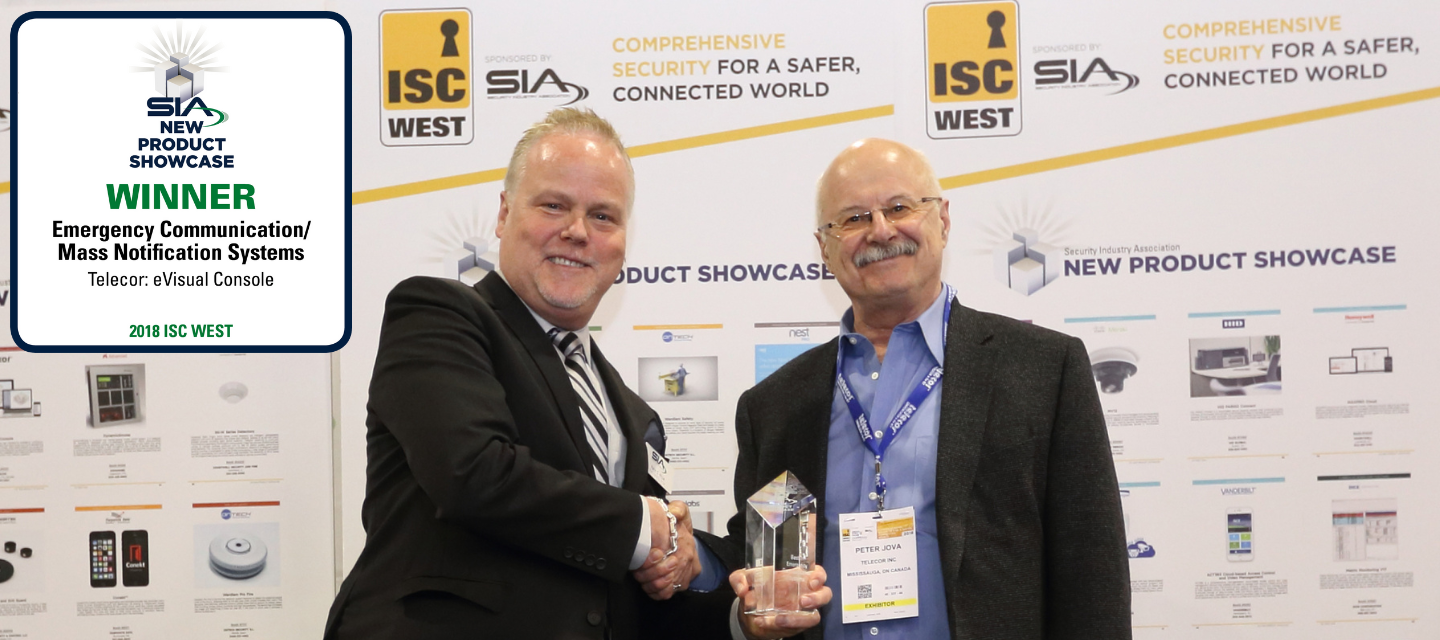
New Product Showcase Winner
Telecor’s visual command center won the SIA Product Showcase Award in the Emergency Communication/Mass Notification Systems category.
Simple, Visual Interface
The interface is organized into clear pages that focus on specific tasks such as calling rooms, paging, schedules, and emergency response. All actions are represented by easy-to-recognize on-screen buttons, making it simple for anyone to use without technical training. Staff can navigate quickly and stay focused on the task at hand.
Magnify & Navigation Elements
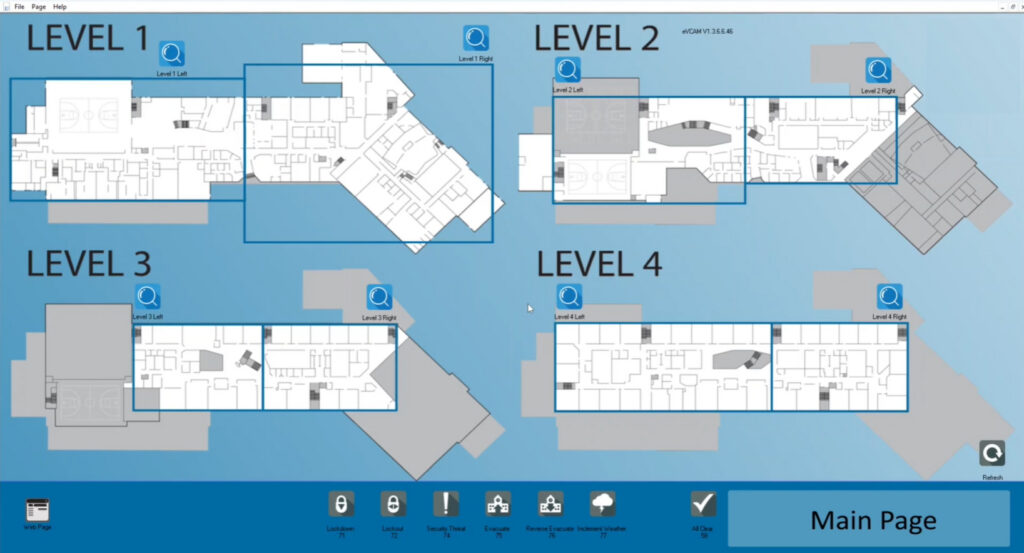
The interface includes a built-in magnify and navigation tools that make it easy to move through large or complex maps. Users can zoom into specific areas for greater detail or quickly navigate across the entire site, ensuring they always have a clear understanding of what’s happening in every space.
Floor Plan Background Customization
The interface supports custom floor plan backgrounds, allowing schools, offices, buildings and other facilities to see their real building layout onscreen. Rooms, zones, and speakers can be placed exactly where they exist in the physical environment, creating a more natural and intuitive control experience.
Easy Room Calling
Calling a room takes only a single click, and incoming call-ins appear clearly on the screen so staff can respond right away. Visual indicators show which rooms are active or require attention, allowing office personnel to stay informed at all times. Communication becomes quick, direct, and dependable.
Text and Code Messaging
The system can send scrolling text messages to clocks and displays, making it easy to share reminders, announcements, or alerts. It also supports discreet coded messages that are visible only to staff who understand their meaning. This provides flexible ways to communicate without disruption.
Ready-to-Use Recorded Messages
Staff can play pre-recorded announcements, tones, or the national anthem with a single click. Custom messages can also be added to support daily routines, special events, or reminders. This helps schools deliver consistent, professional announcements without extra effort.
Dedicated Emergency Page
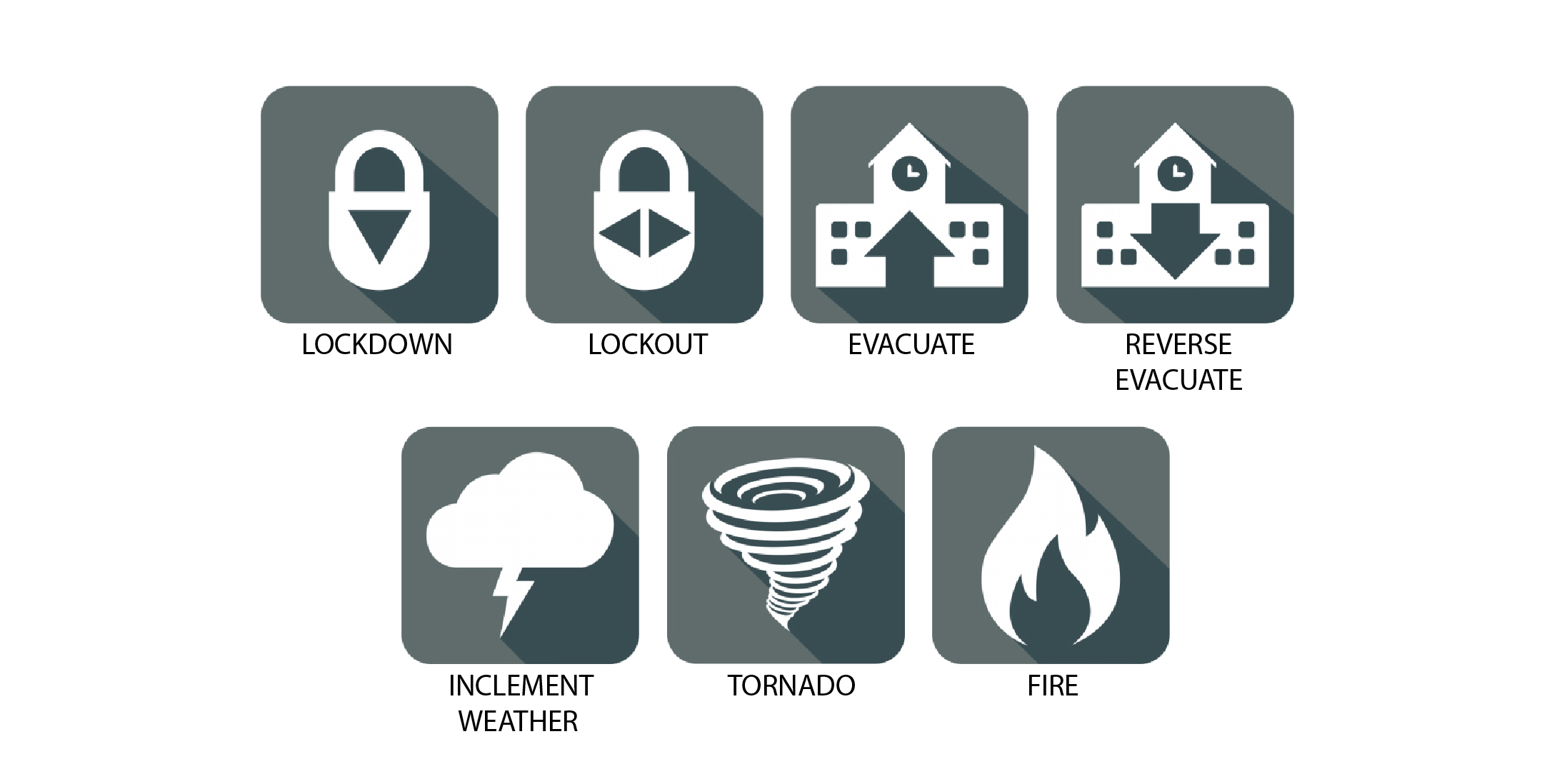
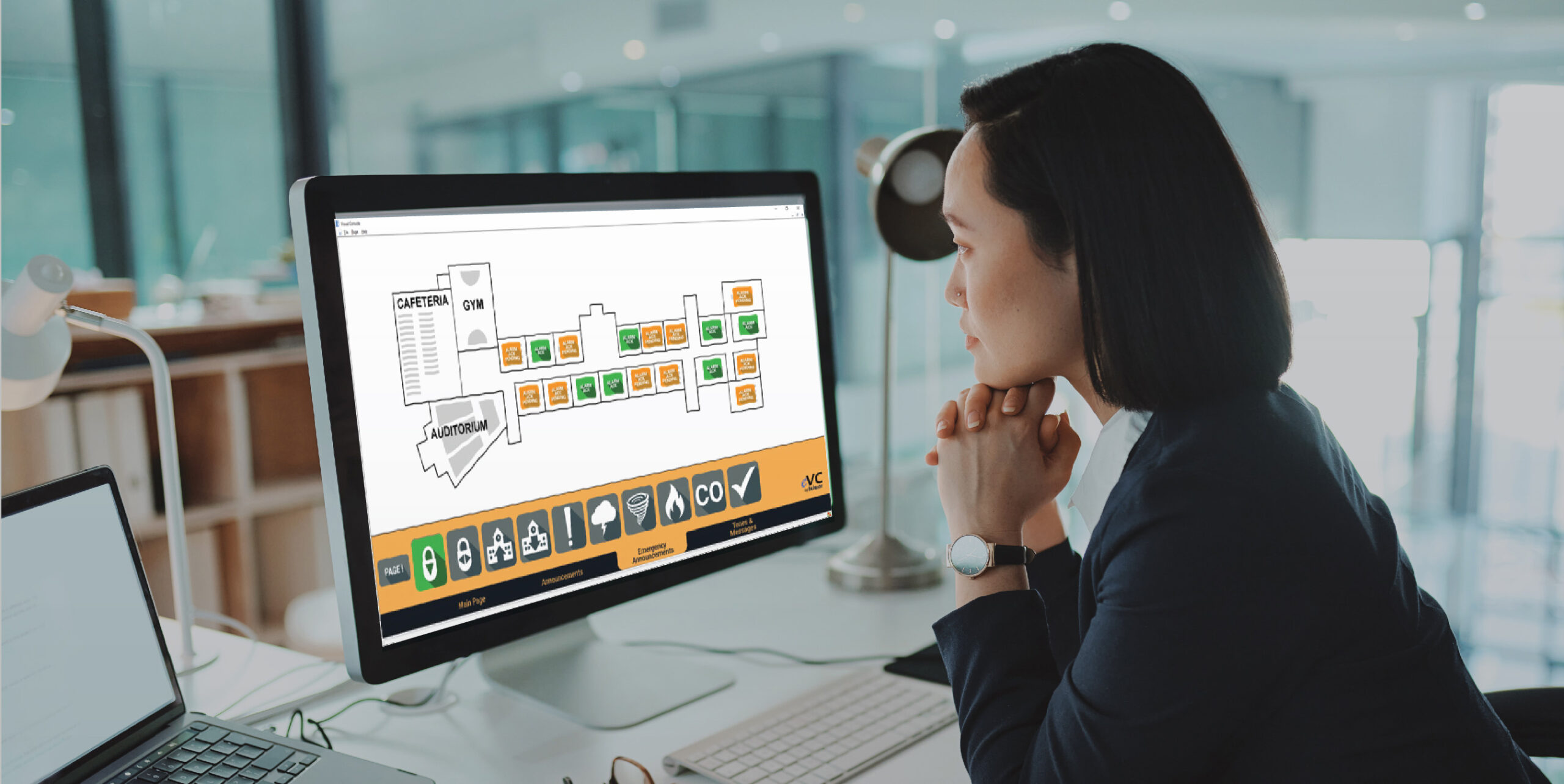
All emergency actions are grouped onto a clearly labeled page with options such as Lockdown, Lockout, Evacuation, Tornado, and All Clear. Activating an emergency automatically plays recorded instructions and displays matching text messages throughout the facility. The simple layout ensures fast and confident responses during critical situations.
Pre-Announce Tone Support
Whether it’s a gentle chime before a routine message or a distinctive alert before a priority announcement, Visual Console supports customizable pre-announce tones. This ensures listeners immediately recognize when an important message is coming, improving clarity and attention across the entire facility.
External Trigger Integration
The visual interface can work seamlessly with external systems such as security panels, access control, or building automation equipment. Triggers from these systems can automatically activate specific announcements or actions, helping organizations streamline workflows and respond more quickly to events.
Optional District-Wide Notifications
When connected to a Telecor district or campus, emergency actions can automatically send text messages, emails, and computer pop-up alerts to staff members. This allows the right people to receive important information instantly. It strengthens communication beyond the facility.
WHY CHOOSE TELECOR?
Telecor delivers communication solutions designed to serve the diverse needs of modern facilities, from daily operations to emergency situations.
Whether you’re managing a school, healthcare center, or large campus, being able to act quickly and confidently is essential for daily operations and emergency response.
The visual command center emphasizes ease of use, reliability, and clarity, ensuring staff can act quickly and confidently. With decades of proven performance and a commitment to customer support, Telecor provides communication tools that organizations can depend on every day.
Experience dependable communication management that works the moment you need it — every alert, every message, every time. Let us show you how Telecor delivers clarity, speed, and confidence for your facility.
Featured Solutions

Public Address & Intercom
Lockdown Management
Panic Buttons
Visual Notifications
Featured Insights

Beyond Compliance: Why Schools Are Turning to Telecor for Panic Button Solutions
Telecor: Proudly Designed and Manufactured in North America

Why Every Business Needs a Public Address System—And Why Telecor Is the Strategic Choice