In an emergency, communication technology must help people respond quickly and confidently – not add complexity or create uncertainty. As schools continue to strengthen emergency preparedness, there is growing recognition that communication systems should be intuitive, reliable, and easy for all staff to operate, regardless of their technical experience. The Alyssa’s Law Solution Guide reinforces this principle by emphasizing that emergency communication tools must be consistent, reliable, and effective under crisis conditions while reducing confusion and human error. It highlights the importance of systems that provide clear, rapid, and intuitive operation for non‑technical staff.
Visual graphical interfaces have become an essential component of modern communication systems, providing a more inclusive and reliable way for staff of all technical skill levels to manage routine operations confidently and respond decisively during emergencies. By presenting information visually, they simplify system operation and help reduce confusion when quick decisions are required. In a crisis, a visual interface cuts through the chaos, giving staff the clarity and confidence to act quickly and accurately when seconds count.
Why a Visual GUI Matters for Day‑to‑Day Operations
Simply put, a Graphical User Interface (GUI) removes friction, reduces training time, and builds staff confidence by turning everyday communication into a user-friendly experience.
- Clear, visual navigation and fewer mistakes — Rooms, zones, and functions are displayed as recognizable icons or floor‑plan elements instead of codes or text-based menus.
- Faster task execution and greater consistency — Daily paging, class changes, bell schedules, and routine announcements become one‑click actions using the same visual workflow across the organization.
- Reduce training requirements — New staff can become proficient in minutes using an intuitive interface rather than relying on technical manuals or memorized procedures.
The Importance of a Visual GUI in Emergencies
During urgent or high-stress situations, visual interfaces transform complex, multi-step processes into intuitive workflows that staff can rely on when every second counts.
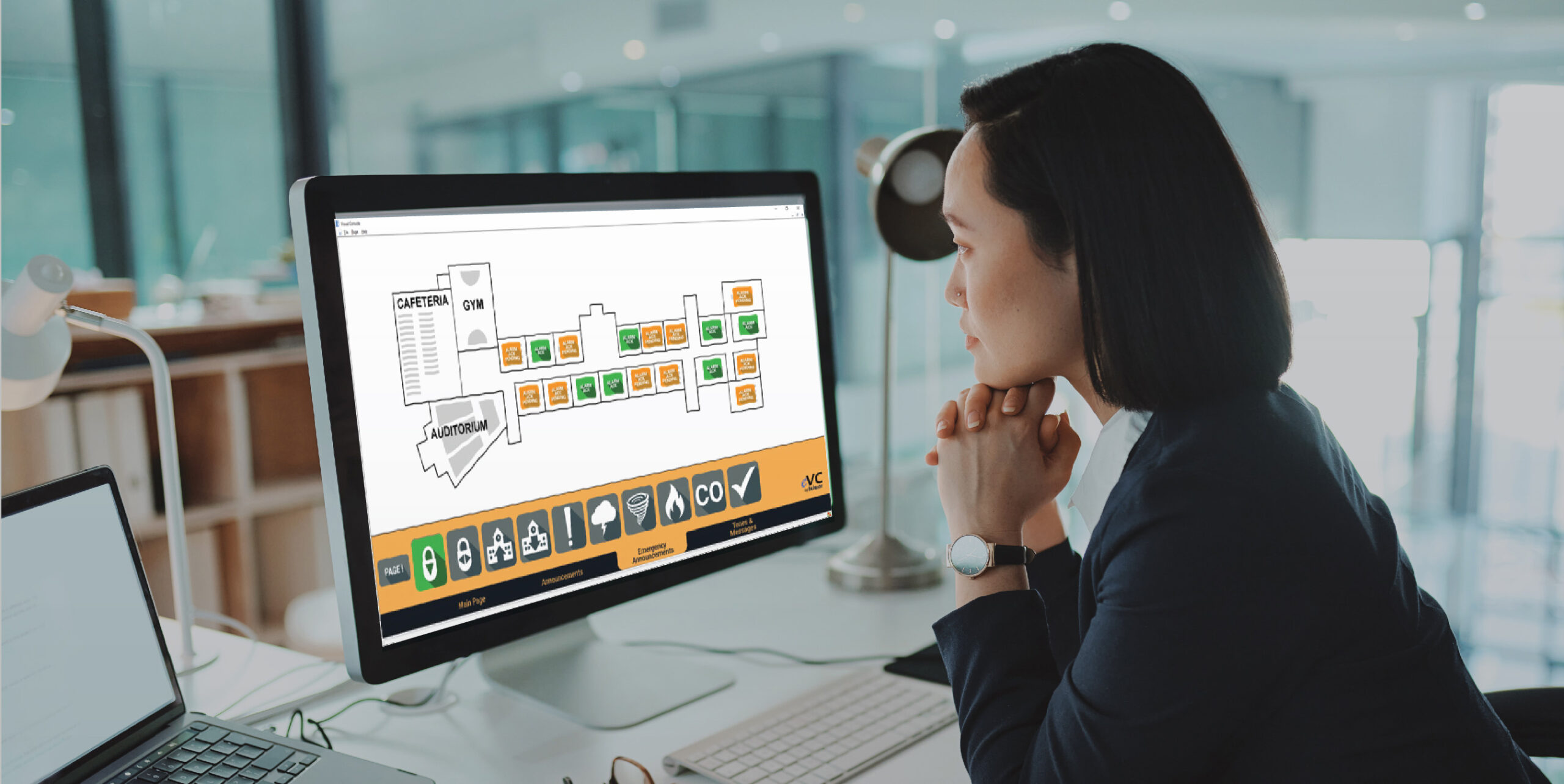
- Instant recognition and one-click emergency actions — Lockdowns, alerts, pre-recorded messages and mass notifications are immediately visible and easily activated without navigating multiple menus.
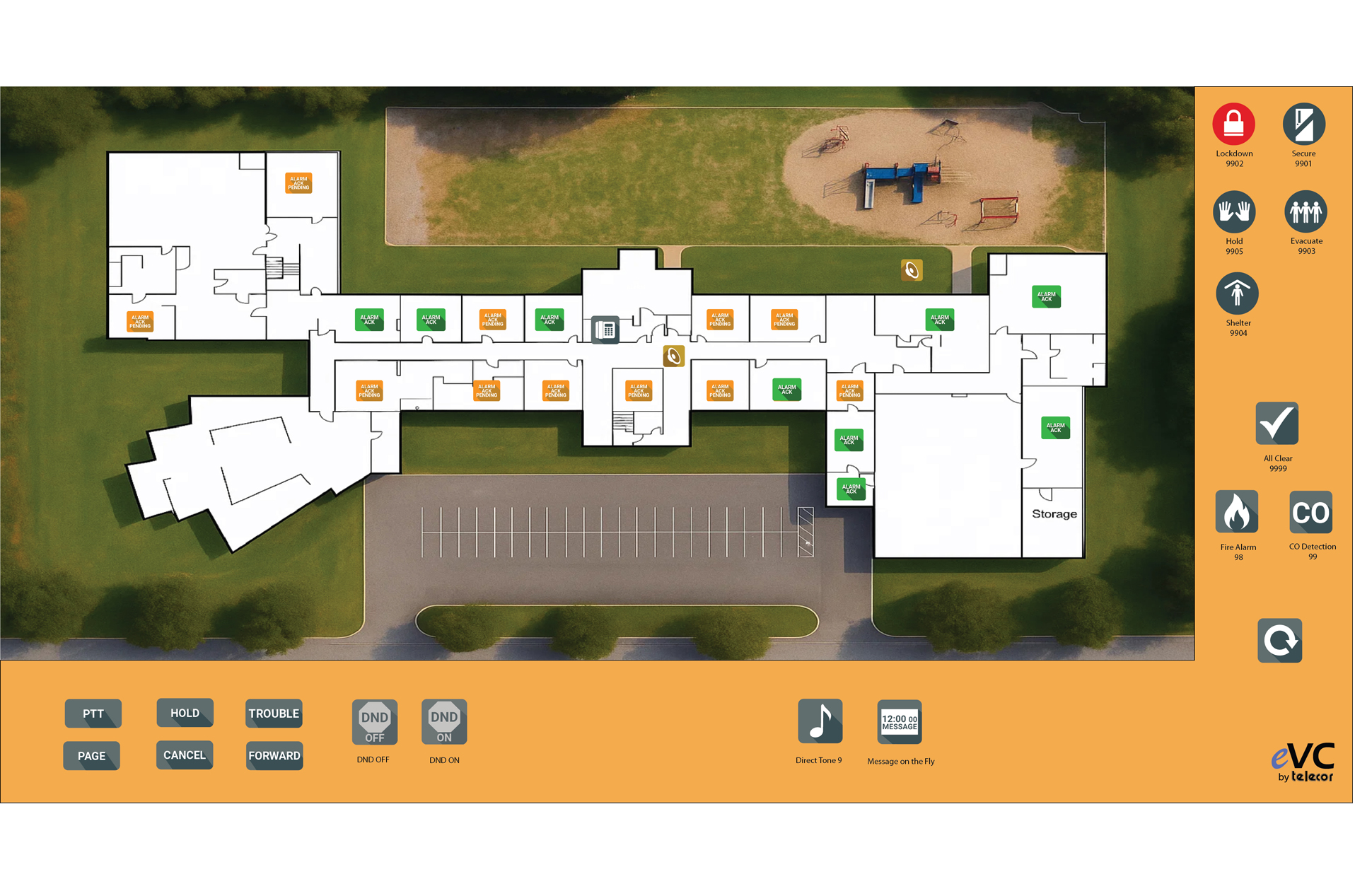
- Reduced human error — Color‑coded alerts, status indicators, and confirmation prompts guide users through critical decisions.
- Real‑time situational awareness — Visual cues clearly show which areas are active, acknowledged, or still require attention.
- Empowers non‑technical staff — Anyone can respond immediately, rather than depending on the one person who knows how to operate the system.
Graphical Maps & Interfaces Should Unify Security
The Partner Alliance for School Safety (PASS) Revision 7 Guidelines continues to advocate for integrated and interoperable security operations. The guidelines recommend that school districts should consider implementing graphical maps and interfaces that allow users to interact with and monitor unified security system technology in real time.
Our Response – Visual Command Centers
Recognizing the importance of intuitive, visual communication systems, Telecor introduced its Visual Console more than eight years ago. In 2018, the Telecor Visual Console received the Security Industry Association (SIA) Best New Product Award in the Emergency Communication and Mass Notification Systems category at ISC West, recognizing its innovative approach to simplifying emergency communications.
Designed to simplify complex intercom, paging, and emergency communication systems, Visual Console transformed traditionally technical operations into a unified, intuitive interface that everyday staff could navigate with confidence.
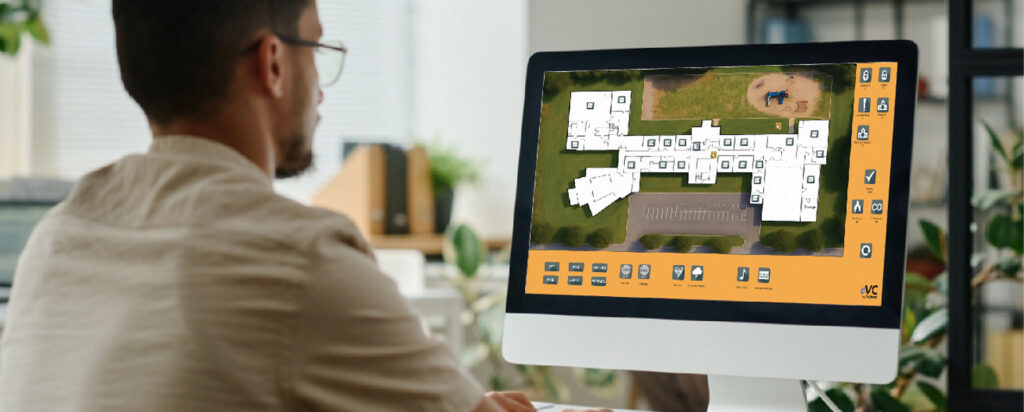
Since then, Telecor’s innovation team has continued to enhance our Visual Command Center to serve the diverse needs of modern facilities. Whether supporting routine daily communications or high-stress emergency events, the intuitive dashboard guides staff through each procedure with one-click activation, clear visual indicators, and on-screen prompts.
Custom Mapping & Design Services that Simplify Security
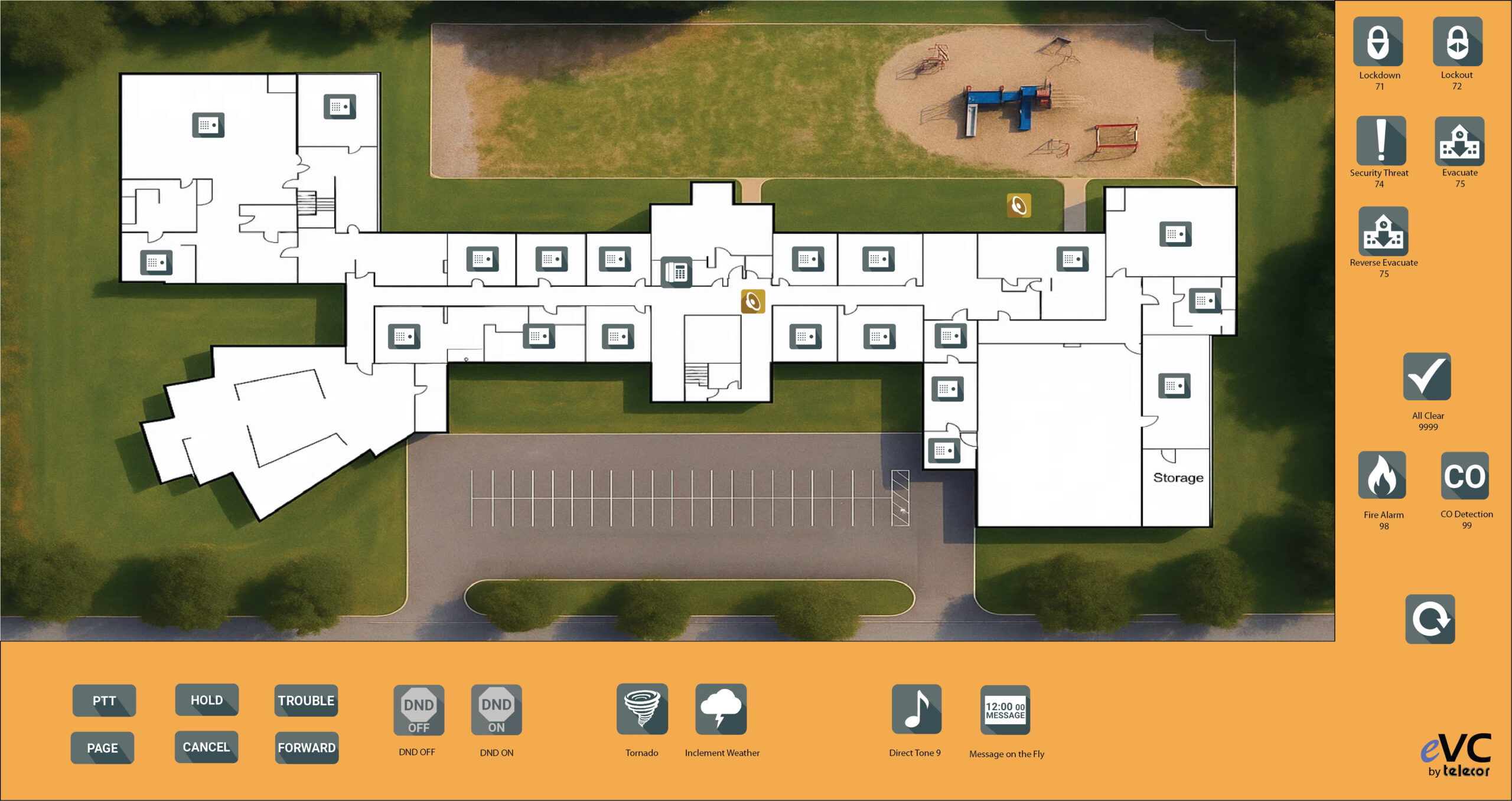
Telecor’s Visual Console Design Service customizes facility floor plans and digital maps to match your unique operational requirements. Interactive floor plans and icons representing pubic address, intercom, and emergency communication and operations are customized and placed including: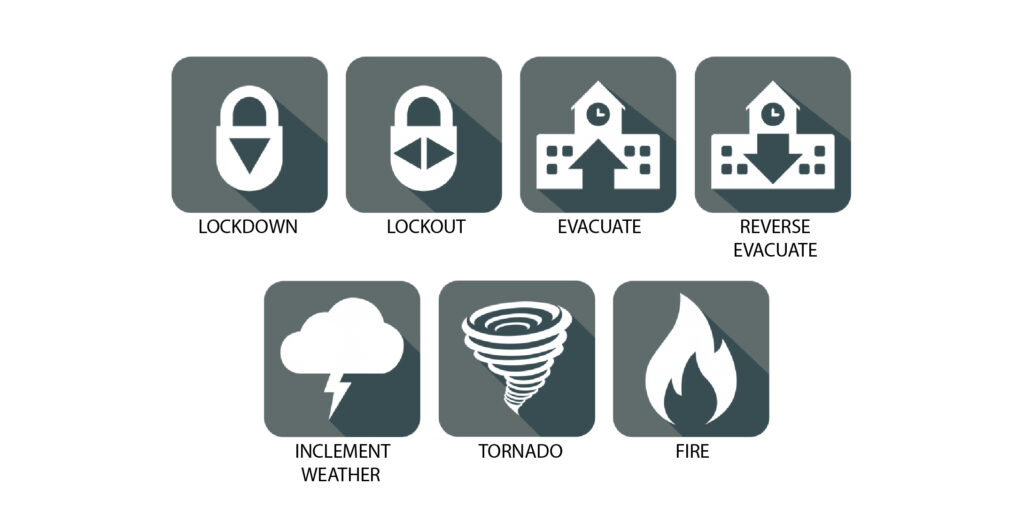
- Intercom room stations
- Page zones
- Cameras
- Console and IP phones
- ePanic mobile duress location
- Additional operation icons for pre-recorded audio broadcasts, tone signal broadcasts, scrolling message distributions, alarms, drills, and emergency alarm acknowledgement
Visual GUIs & Custom Mapping – The New Backbone of Facility Safety and Efficiency
Visual graphical interfaces and digital mapping reduce complexity by transforming facility operations into clear, intuitive, and instantly actionable environments. They empower every staff member to manage daily tasks with confidence while providing the speed, accuracy, and situational awareness needed to respond effectively when emergencies occur.